 Coming soon
Stop switching input languages. Just type.
AutoLang is a Mac app that works out which language you're typing in. If the keyboard is set to a different one, it switches within the first few letters and retypes what you already wrote.
For Mac · macOS 13 or later · Apple silicon
A simulation of what AutoLang does on your Mac.
How it works
-
You start typing
In whichever of your languages you like, without checking which keyboard is on.
-
AutoLang notices
Within the first few letters, it checks which of your keyboards turns your keystrokes into real words.
-
It switches and retypes
The keyboard flips to the right language and your text is retyped correctly. Press Backspace right away to undo.
Built for the way you really type
Your languages, detected
Works out which of your keyboard languages you're typing in. Hebrew and English are tuned and tested in daily use; more languages are being tested now.
Mixed sentences
An English word in the middle of a Hebrew sentence? Only that word is switched, and the keyboard follows you when you go back.
Knows names and slang
Common Israeli first names and everyday slang in both languages, like יאללה and lmao. Work shorthand such as lgtm and eod is left alone.
Takes it back by itself
If it switched on the first letters and the rest of the word doesn't fit, it puts your text and keyboard back.
One key to undo
Didn't want that fix? Press Backspace right after it and it's undone.
Add your own words
If a word keeps coming out wrong, add it in the app. It works right away and is saved only on your Mac.
Report a problem
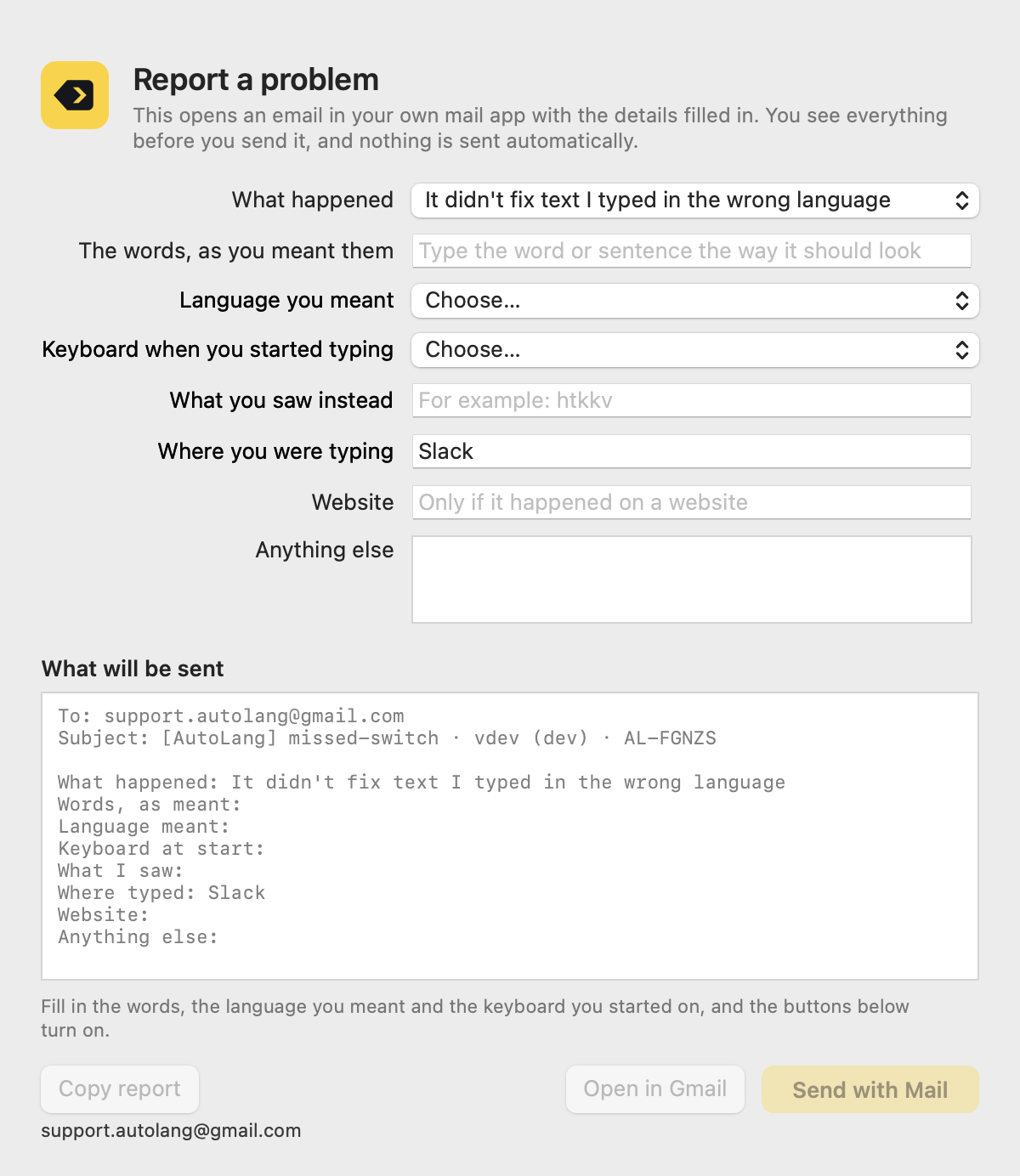
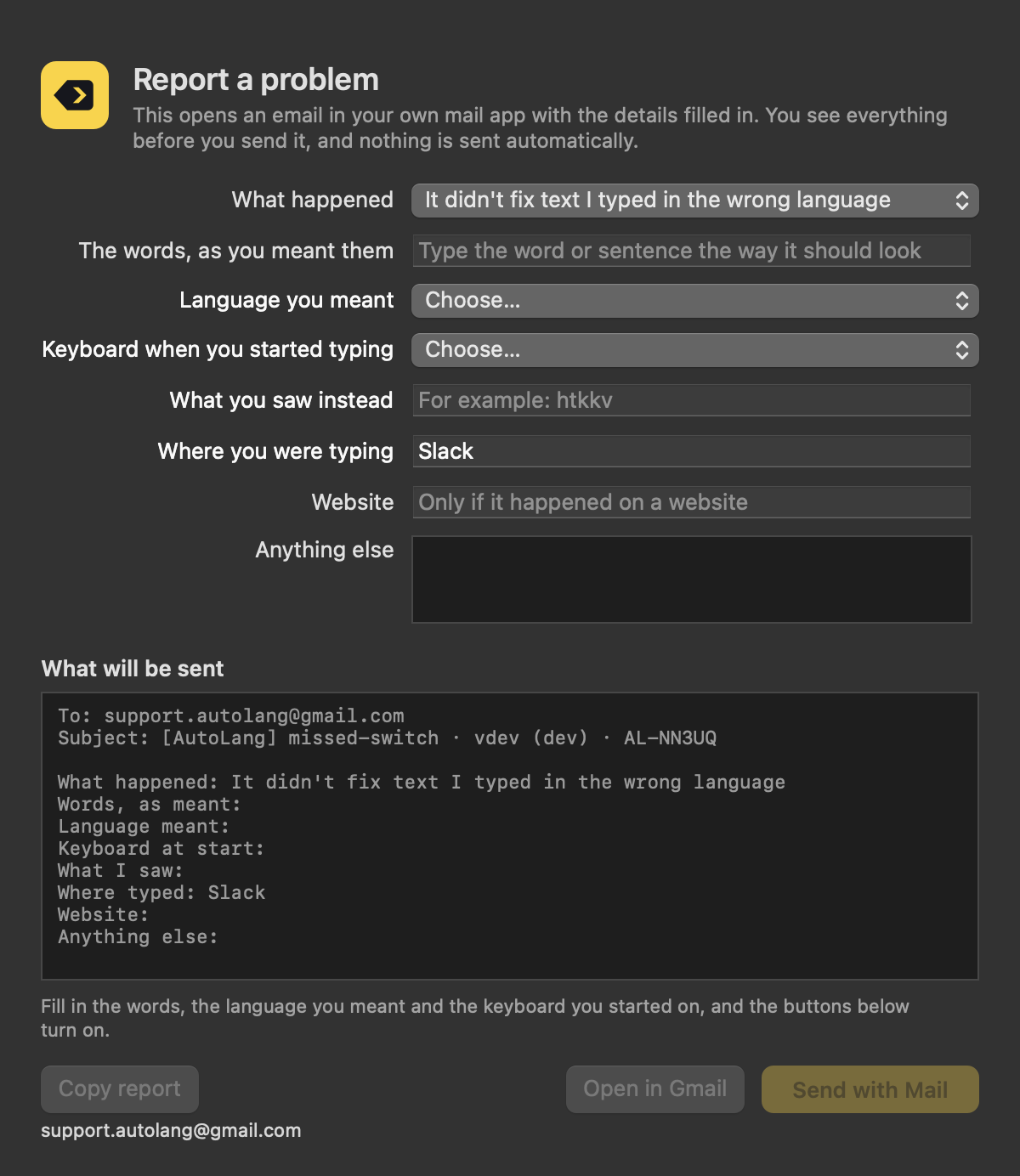
Opens an email in your own mail app with the details filled in. You see everything before you send it.
Three keyboards or more
Use several languages? When the same keys spell a word in two of them, AutoLang goes with the one you type in more.
Stays out of the way
Runs quietly in the background, with no icon in the Dock.
What you type stays on your Mac.
AutoLang has to see your keystrokes to do its job. Here's what it does with them.
Nothing is sent
The app contains no networking code. Report a problem only opens an email in your own mail app, and nothing goes out unless you press Send.
Your typing isn't saved
Typed text is never stored. The diagnostic log notes only that a fix happened, how many characters it involved, and why keystrokes were skipped.
Only what you choose
Words you add with Add Words are kept in a plain file on your Mac. AutoLang also counts how many words you type on each keyboard: numbers only.
Passwords are skipped
Password fields and other secure text entry are ignored completely.
A small app, a few clear windows
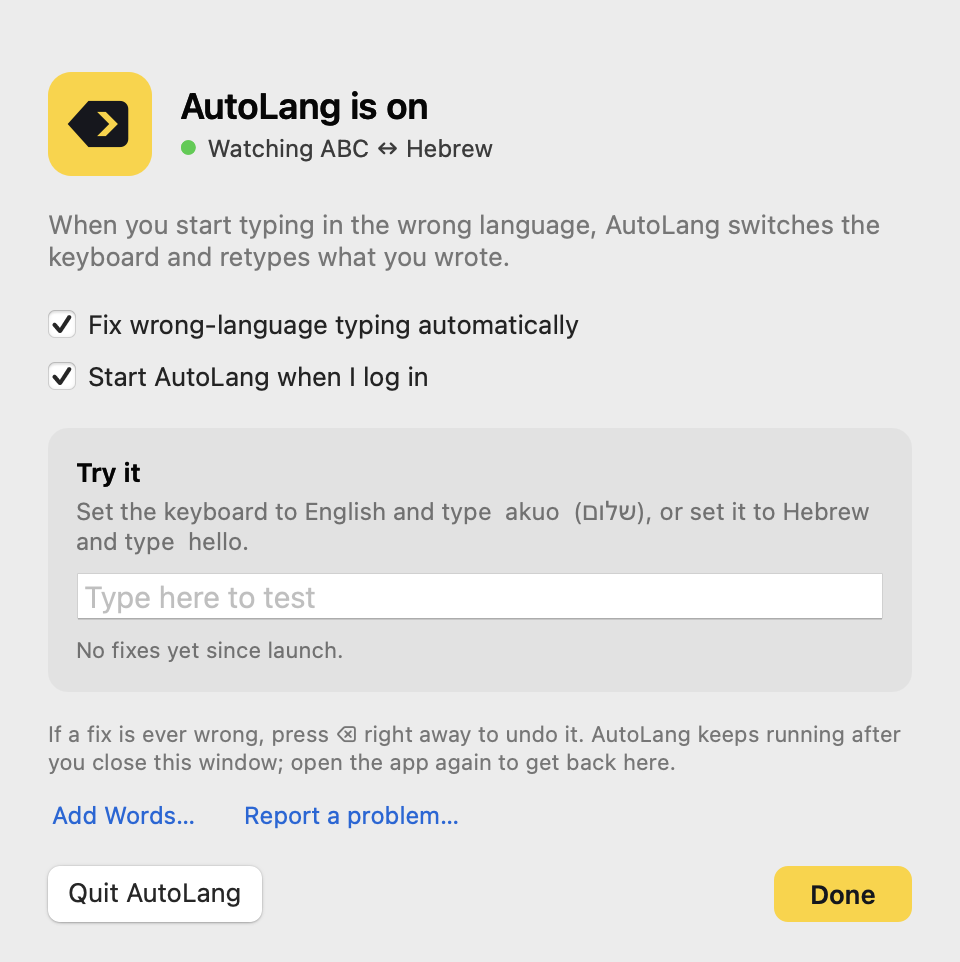
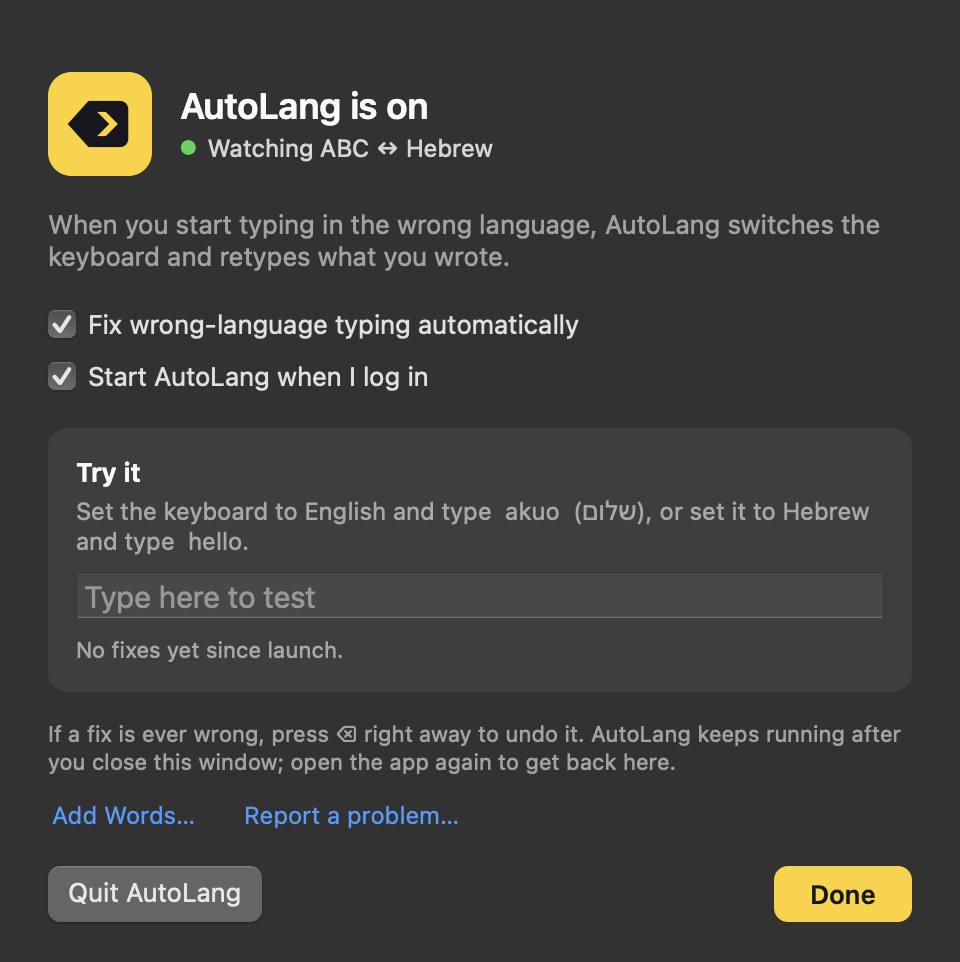
AutoLang lives in the menu bar, with a small main window and separate windows for Add Words and Report a problem. Switch this page's theme to see the app in light or dark.
What you need
- macOS
- 13 Ventura or later
- Mac
- Apple silicon
- Size
- About 22 MB
- Permission
- Accessibility, to see keystrokes and retype text
Questions
When can I get AutoLang?
Not yet. It's in personal use while the last steps for sharing it are done. Leave your email and you'll hear when it's available.
Which languages does it support?
AutoLang works with the keyboard languages you have turned on in macOS and detects which one you're typing in. It picks up changes to your keyboards by itself.
Hebrew and English are tuned and tested in daily use. Other languages that have their own Mac keyboard are being tested now. Chinese, Japanese and Korean input methods, and Vietnamese, aren't supported.
Does it send what I type anywhere?
No. The app has no networking code, and your typing is never saved. The only words it keeps are the ones you add yourself with Add Words, in a file on your Mac.
What if it changes something I typed on purpose?
Press Backspace right after the fix and it's undone. If a word keeps coming out wrong, add it with Add Words, or tell us with Report a problem.
Why does it need Accessibility permission?
macOS requires it for any app that sees keystrokes and retypes text. AutoLang's window shows you where to turn it on.
Which Macs does it run on?
Macs with Apple silicon, on macOS 13 Ventura or later.
Is there anything it doesn't fix yet?
A short word ended with Return instead of a space isn't fixed. A name typed first in a sentence, with the keyboard already wrong, isn't fixed either, and a Hebrew name or slang word it doesn't know may be missed. You can add those with Add Words.
How do I get help?
In the app, choose Report a problem from the menu bar. It opens an email with the details filled in, and you see everything before you send it.
AutoLang is coming soon.
Leave your email and you'll hear the moment it's ready.